Coding agents for your team, including confidential projects.
Your most important projects can be the ones missing out on coding agents.
Coding agents could investigate bugs, implement changes and run tests. But confidential source code and internal policies often rule out external AI services. So your team keeps doing that work itself.
Cloud agentsProcessing at the provider
Your company networkCloud use not approved
Code, prompts and results stay here.Works without an internet connection
Your teamConfidential source code
TaskResult
Agents remain out of reach
coderig
Models & coding agentsNo cloud fees per tokenOn your own hardware
Models
Your choice
Updates
Your approval
Logs
Stored locally
With coderig, agents can work on your confidential code too.
Models and agents run on local hardware inside your network, even without an internet connection. Your team delegates tasks and reviews the results. Code and prompts stay in-house.
Cloud agentsNo data exchange
Your company networkCloud use not approved
Code, prompts and results stay here.Works without an internet connection
Your teamConfidential source code
TaskResult
Agents remain out of reach
coderig
Models & coding agentsNo cloud fees per tokenOn your own hardware
Models
Your choice
Updates
Your approval
Logs
Stored locally
You decide how your AI operates and how you use your computing capacity.
Your IT team chooses model versions, approves updates and can inspect local logs. There are no cloud fees per token, and no quota limits your usage.
Cloud agentsNo data exchange
Your company networkCloud use not approved
Code, prompts and results stay here.Works without an internet connection
Your teamConfidential source code
TaskResult
Agents remain out of reach
coderig
Models & coding agentsNo cloud fees per tokenOn your own hardware
Models
Your choice
Updates
Your approval
Logs
Stored locally
We engineer and optimise the entire system for local coding agents.
Optimisation starts with the operating system.
We tune the operating system and drivers for the hardware being used. This creates the technical foundation for running models and coding agents locally.
Your IT team receives a platform that is already configured to work together.
The inference engine is tuned to the hardware.
We optimise the software that runs the models for the selected hardware. This work is part of the system we deliver, ready for your team to use.
Available computing power is put to work for local agents.
Fine-tuning adapts models to development tasks.
We fine-tune selected models and evaluate them against relevant software development tasks. Model selection becomes a carefully configured part of coderig.
Concrete tasks guide how we select and adapt models.
We evaluate the whole system on concrete tasks.
We benchmark models and agents as part of the complete system, assessing how they handle relevant development tasks on the selected hardware.
Evaluation covers the complete agent workflow.
Your team receives the result as a ready-to-use system.
Hardware, software and models arrive configured together. We keep developing the technical foundation while your team focuses on its development work.
New versions are available as tested updates. Your IT team decides when to adopt them.
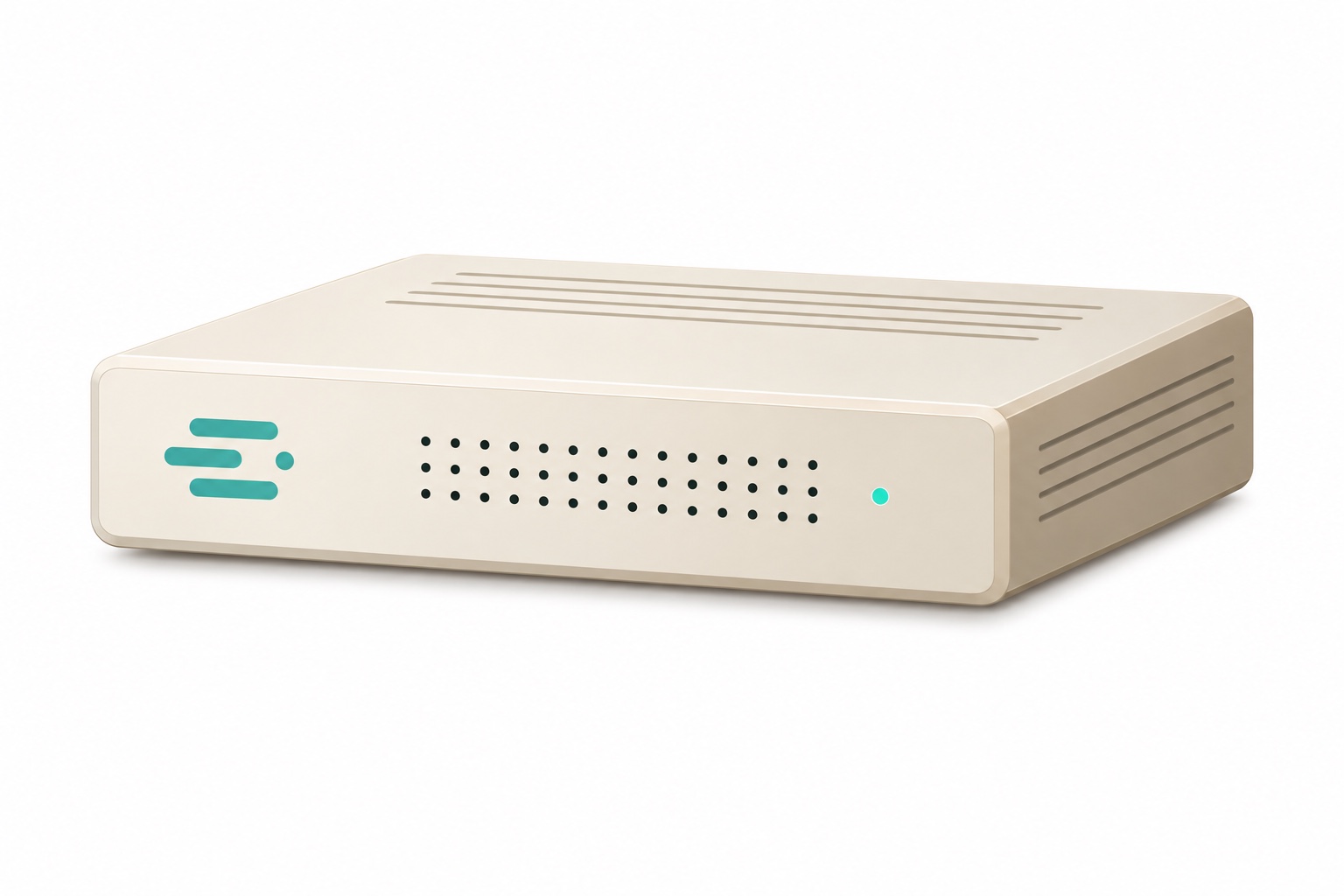
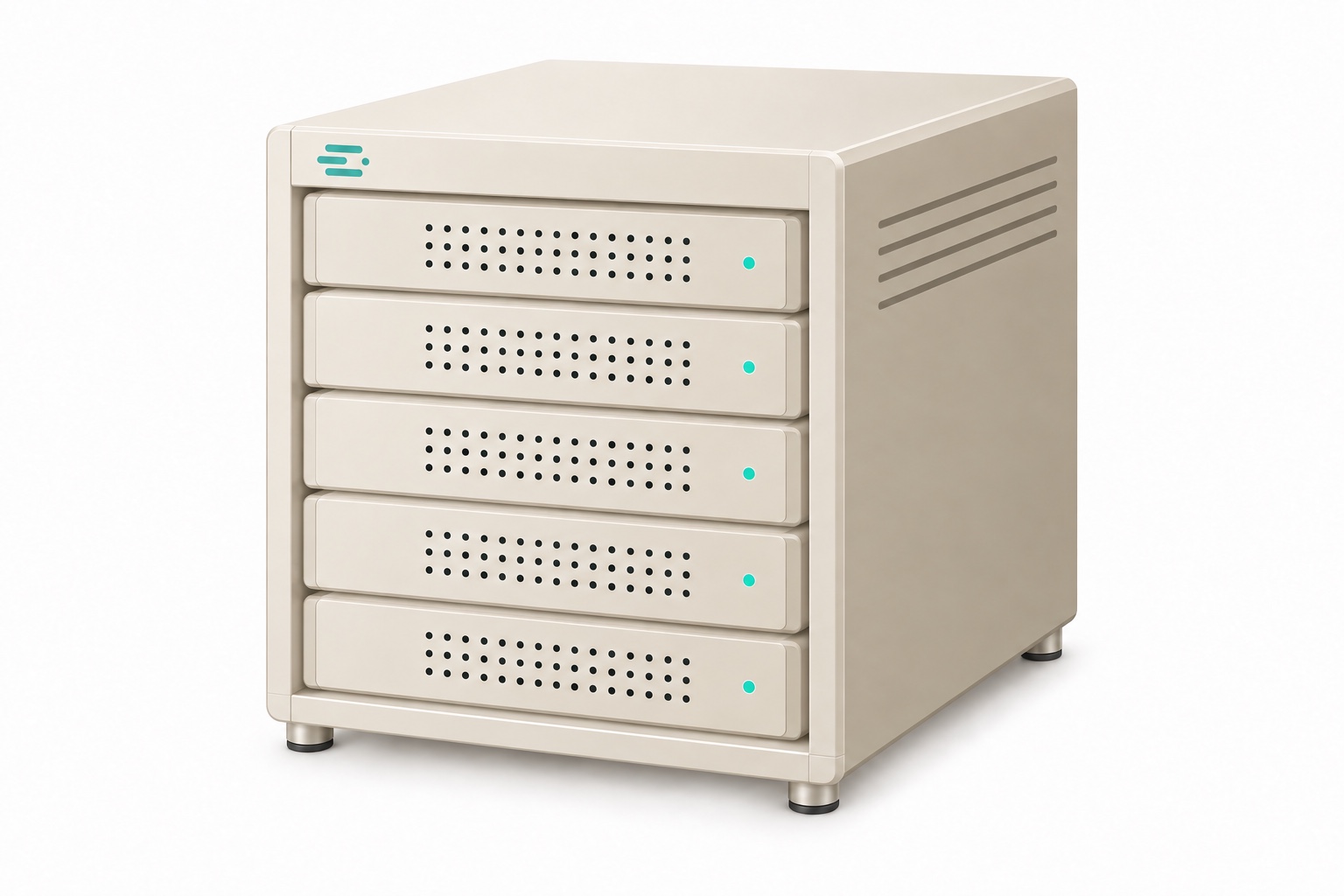
We configure coderig for your tasks, from a compact computer to a powerful rack. Your models and the way your team works determine the right setup.
Compact enough for the office
For workloads that a single computer can comfortably handle.
More capacity in a rack
For larger models and more agents working at the same time.
Bring local coding agents into your team’s everyday work.
We configure coderig around your work.
Together, we identify the tasks you want to delegate, how many developers will work at once and your IT requirements. We use this to find the right configuration.
Your team accesses the agents over your company network.
We deliver the prepared system. Connect coderig to power and your network; your developers open the local interface in their browser.
A described task becomes changes your team can review.
The agent examines the code, works through the task and runs tests. Your team reviews the changes and decides what to accept.
RefactoringTestsDebugging
kundenportalIllustrative example · condensedReady for review
You
Add a CSV import for customer records to our internal application.Add a CSV import for customer records to our internal application.
Follow the existing architecture and permissions. Provide a preview, explain invalid rows and prevent duplicates, including on repeat imports. Implement the interface and backend, add unit and integration tests, and update the documentation.
Invalid rows are excluded. Existing customers are kept.
What to know before getting started.
Does coderig need internet access?
No. The agent and models run locally, including in networks without internet access.
Which models can we use?
coderig runs open-weight models such as Qwen and GLM. Model and hardware choices depend on your workload.
What work does coderig take off your team’s hands?
We select and integrate the components, optimise the operating system, drivers and inference engine, and adapt and evaluate the models. Your team receives that engineering work as a configured system, without having to assemble the technical foundation itself.
How do we evaluate models and coding agents?
We benchmark models and agents against relevant development tasks. Evaluation includes their interaction with the inference engine and the selected hardware, testing the configuration that will be used in local operation.
How do you benefit from new models and optimisations?
We evaluate new model versions and continuously improve the software and models. Improvements are available as tested updates. Your IT team chooses which versions to adopt and when to install them through its own update process, including in offline environments.
How do updates reach an offline machine?
As signed bundles, transferred through your own update process. You decide when to install them.
How do we choose the hardware?
The models, repository sizes and number of concurrent tasks determine the configuration. We size it with you.
What does it cost?
Pricing depends on the hardware configuration. We provide a quote for your setup.
See what local AI can do for your team.
In a demo, we show coderig working through a concrete development example. Together, we work out which configuration fits your team.